折腾:
【记录】爬虫 爬数据 义务教育教科书 义教教科书
期间,继续去看看另外2本电子书:
去chrome中打开,调试看看。
这个是封面:
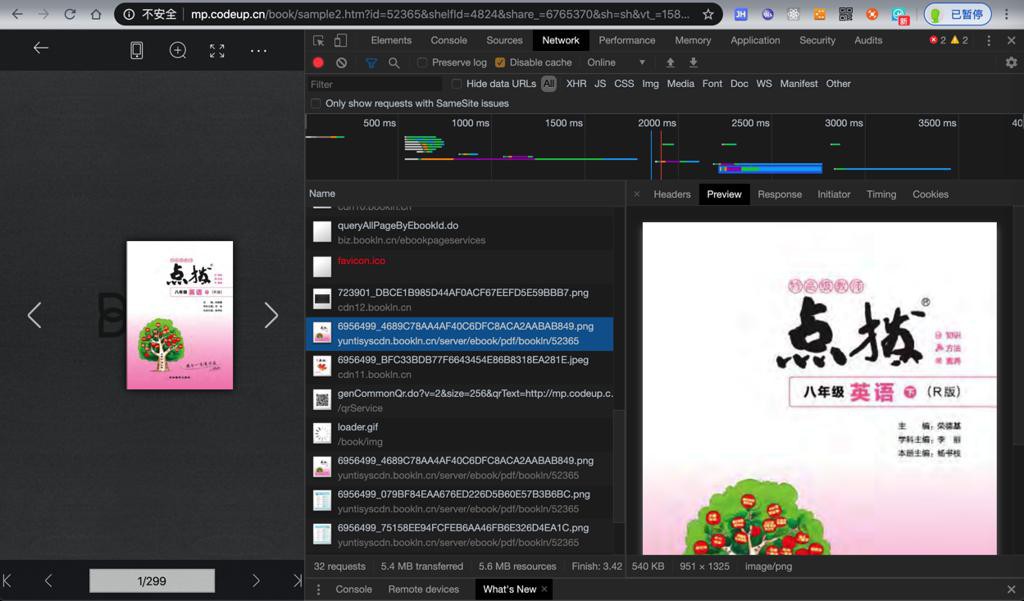
之后是其他几张图片:
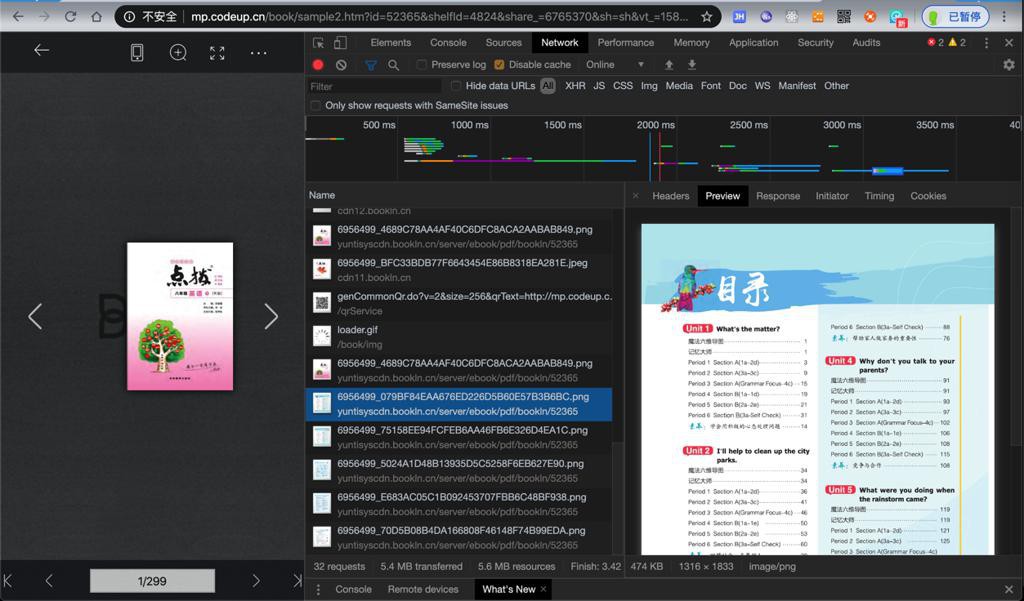
最开始的几张图片,都预先加载了。
去搜索这些值怎么出来的。
搜封面图片的:
6956499_4689C78AA4AF40C6DFC8ACA2AABAB849
找到:
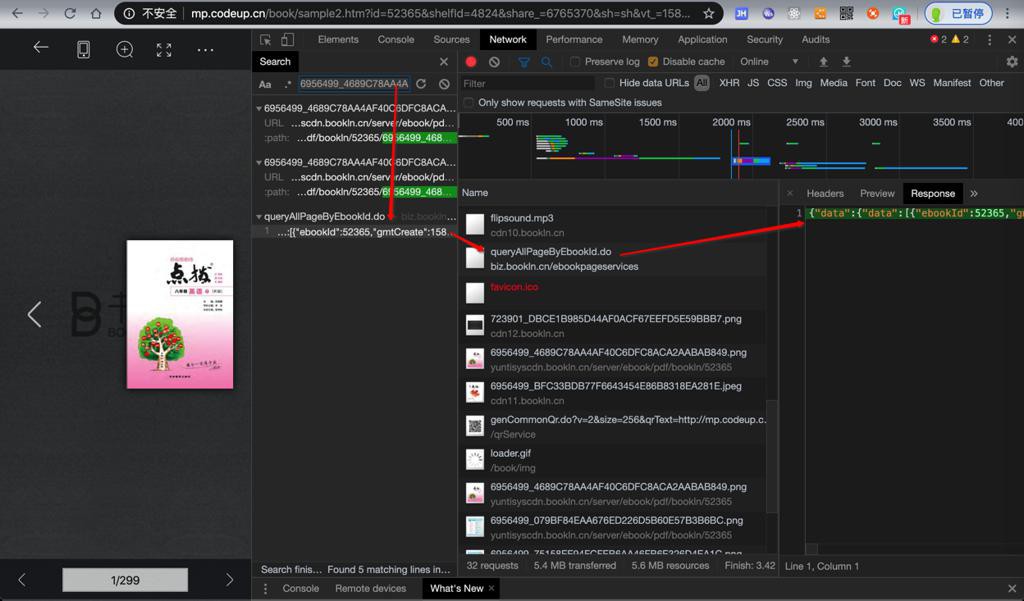
Request URL:
https://biz.bookln.cn/ebookpageservices/queryAllPageByEbookId.do
返回的json,太长,此处拷贝出来,再去格式化后是:
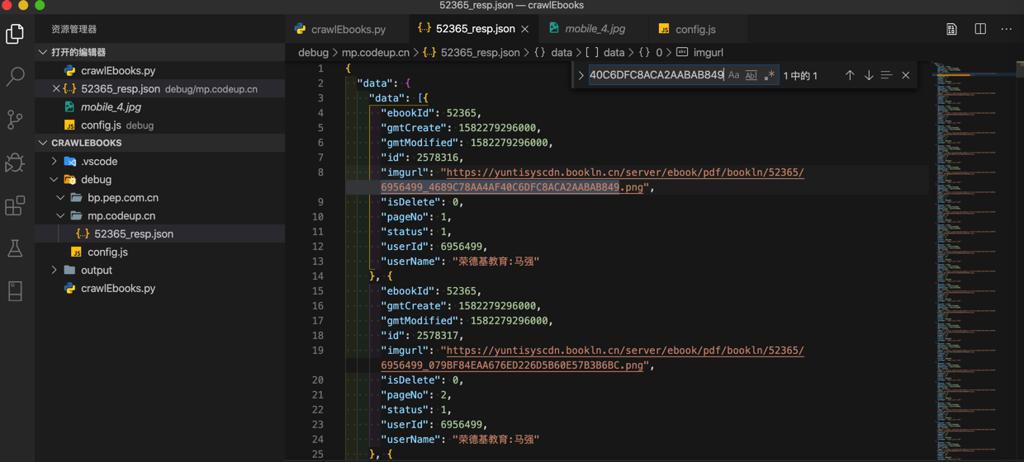
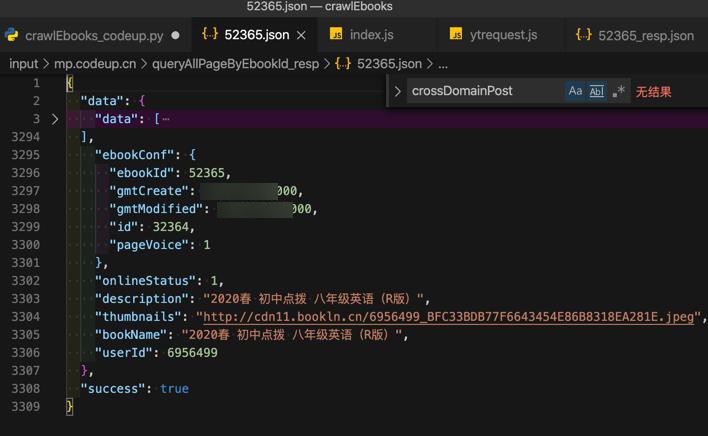
摘录其中一部分:
{
  "data": {
    "data": [{
      "ebookId": 52365,
      "gmtCreate": 1582279296000,
      "gmtModified": 1582279296000,
      "id": 2578316,
      "imgurl": "https://yuntisyscdn.bookln.cn/server/ebook/pdf/bookln/52365/6956499_4689C78AA4AF40C6DFC8ACA2AABAB849.png",
      "isDelete": 0,
      "pageNo": 1,
      "status": 1,
      "userId": 6956499,
      "userName": "荣德基教育:马强"
    }, {
      "ebookId": 52365,
      "gmtCreate": 1582279296000,
      "gmtModified": 1582279296000,
      "id": 2578317,
      "imgurl": "https://yuntisyscdn.bookln.cn/server/ebook/pdf/bookln/52365/6956499_079BF84EAA676ED226D5B60E57B3B6BC.png",
      "isDelete": 0,
      "pageNo": 2,
      "status": 1,
      "userId": 6956499,
      "userName": "荣德基教育:马强"
    }, {
      "ebookId": 52365,
      "gmtCreate": 1582279296000,
      "gmtModified": 1582279296000,
      "id": 2578318,
      "imgurl": "https://yuntisyscdn.bookln.cn/server/ebook/pdf/bookln/52365/6956499_75158EE94FCFEB6AA46FB6E326D4EA1C.png",
      "isDelete": 0,
      "pageNo": 3,
      "status": 1,
      "userId": 6956499,
      "userName": "荣德基教育:马强"
    },
...
{
      "ebookId": 52365,
      "gmtCreate": 1582279297000,
      "gmtModified": 1582279297000,
      "id": 2578614,
      "imgurl": "https://yuntisyscdn.bookln.cn/server/ebook/pdf/bookln/52365/6956499_4D7D4F4BBBE81A0EE2A808D42CD676AF.png",
      "isDelete": 0,
      "pageNo": 299,
      "status": 1,
      "userId": 6956499,
      "userName": "荣德基教育:马强"
    }],
    "ebookConf": {
      "ebookId": 52365,
      "gmtCreate": xxx68000,
      "gmtModified": xxx68000,
      "id": 32364,
      "pageVoice": 1
    },
    "onlineStatus": 1,
    "description": "2020春 初中点拨 八年级英语(R版)",
    "thumbnails": "http://cdn11.bookln.cn/6956499_BFC33BDB77F6643454E86B8318EA281E.jpeg",
    "bookName": "2020春 初中点拨 八年级英语(R版)",
    "userId": 6956499
  },
  "success": true
}
所以,去获取json,解析后,再挨个下载图片,同时保存图片名为pageNo的值
【未解决】模拟mp.codeup.cn中调用queryAllPageByEbookId.do返回json数据
暂时没把js代码转python。
所以只能是:
直接把Chrome调试得到json去处理和下载
# Function:
#   电子样书 点拨 八年级英语下
#   http://mp.codeup.cn/book/sample2.htm?id=52365&shelfId=4824&share_=6765370&sh=sh&vt_=1583111113754&_logined=1
#
#   电子样书 点拔训练 八年级英语下
#   http://mp.codeup.cn/book/sample2.htm?id=52489&shelfId=4822&share_=6765370&sh=sh&vt_=1583111131475
#   的图片
# Author: Crifan Li
# Update: 20200303


import os
import json
# import copy
import codecs
import requests


gBookIdList = [
  "52365",
  "52489",
]


UserAgent_Mac_Chrome = "Mozilla/5.0 (Macintosh; Intel Mac OS X 10_15_2) AppleWebKit/537.36 (KHTML, like Gecko) Chrome/80.0.3987.122 Safari/537.36"


gHeaders = {
  "User-Agent": UserAgent_Mac_Chrome,
  "origin": "http://mp.codeup.cn",
}


gSaveFolder = os.path.join("output", "mp.codeup.cn")
gInputFolder = os.path.join("input", "mp.codeup.cn", "queryAllPageByEbookId_resp")


def createFolder(folderFullPath):
    """
        create folder, even if already existed
        Note: for Python 3.2+
    """
    os.makedirs(folderFullPath, exist_ok=True)


createFolder(gSaveFolder)


# for eachBookId in gBookIdList:
#     getAllPageUrl = "https://biz.bookln.cn/ebookpageservices/queryAllPageByEbookId.do"
#     curHeaders = copy.deepcopy(gHeaders)
#     curHeaders["Content-Type"] = "application/x-www-form-urlencoded"
#     curHeaders["Accept"] = "application/json, text/javascript, */*; q=0.01"
#     curHeaders["referer"] = "http://mp.codeup.cn/book/sample2.htm?id=%s" % eachBookId
#     curHeaders["sec-fetch-dest"] = "empty"
#     curHeaders["sec-fetch-mode"] = "cors"
#     curHeaders["sec-fetch-site"] = "cross-site"
#     postDict = {
#       "ebookId": eachBookId
#     }
#     resp = requests.post(getAllPageUrl, headers=curHeaders, data=postDict)
#     print("resp=%s" % resp)


def loadJsonFromFile(fullFilename, fileEncoding="utf-8"):
    """load and parse json dict from file"""
    with codecs.open(fullFilename, 'r', encoding=fileEncoding) as jsonFp:
        jsonDict = json.load(jsonFp)
        # logging.debug("Complete load json from %s", fullFilename)
        return jsonDict


for eachBookId in gBookIdList:
  print("%s bookId=%s %s" % ('-'*30, eachBookId, '-'*30))
  curOutputFolder = os.path.join(gSaveFolder, eachBookId)
  createFolder(curOutputFolder)


  curJsonFile = "%s.json" % eachBookId
  curJsonFullPath = os.path.join(gInputFolder, curJsonFile)
  curBookJsonDict = loadJsonFromFile(curJsonFullPath)


  dataDict = curBookJsonDict["data"]
  bookName = dataDict["bookName"]
  ebookConf = dataDict["ebookConf"]


  pageDictList = dataDict["data"]


  for eachPageDict in pageDictList:
    """
      {
        "ebookId": 52365,
        "gmtCreate": 1582279297000,
        "gmtModified": 1582279297000,
        "id": 2578614,
        "imgurl": "https://yuntisyscdn.bookln.cn/server/ebook/pdf/bookln/52365/6956499_4D7D4F4BBBE81A0EE2A808D42CD676AF.png",
        "isDelete": 0,
        "pageNo": 299,
        "status": 1,
        "userId": 6956499,
        "userName": "荣德基教育:马强"
      }
    """
    ebookId = eachPageDict["ebookId"]
    imgurl = eachPageDict["imgurl"]
    print("imgurl=%s" % imgurl)
    imgSuffix = imgurl.split(".")[-1]
    pageNo = eachPageDict["pageNo"]
    saveFilename = "%s_%03d.%s" % (ebookId, pageNo, imgSuffix)
    saveFullPath = os.path.join(curOutputFolder, saveFilename)
    if os.path.exists(saveFullPath):
      print("existed: %s" % saveFullPath)
    else:
      resp = requests.get(imgurl, headers=gHeaders)
      if resp.ok:
        with open(saveFullPath, 'wb') as saveFp:
          saveFp.write(resp.content)
          print("  Saved to %s" % saveFullPath)
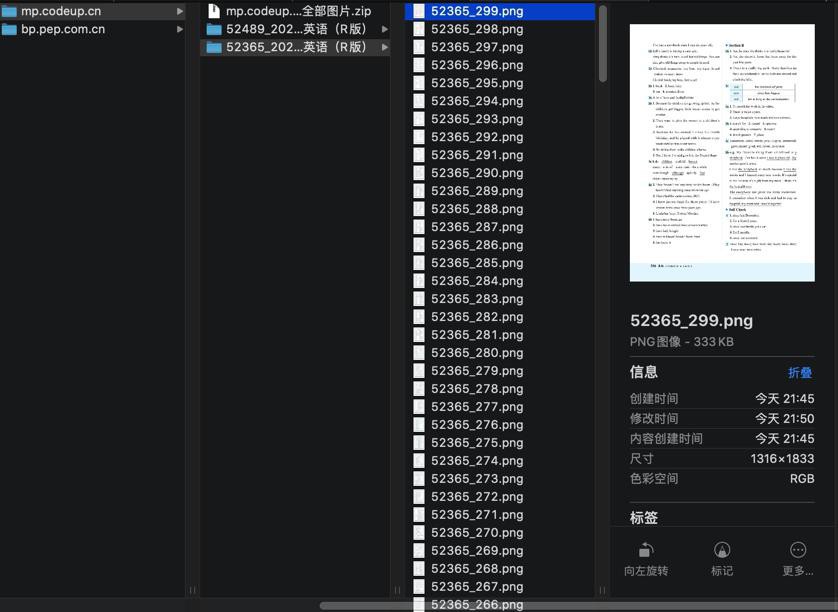
即可下载到:
...
imgurl=https://yuntisyscdn.bookln.cn/server/ebook/pdf/bookln/52489/6956499_AFD4EC4CD78BAA02A1179DEC7F9BEC27.png
existed: output/mp.codeup.cn/52489/52489_181.png
imgurl=https://yuntisyscdn.bookln.cn/server/ebook/pdf/bookln/52489/6956499_40DE1350C9DA75781C7F9E694A55FE15.png
existed: output/mp.codeup.cn/52489/52489_182.png
一堆图片:
转载请注明:在路上 » 【已解决】爬取mp.codeup.cn中的英语教材电子书资源