【背景】
折腾:
【已解决】go语言用go get去安装第三方包出错:exec: "hg": executable file not found in %PATH%
期间,需要在windows中用到hg,才能安装go的包。
所以现在去折腾在当前的x64的win7下安装hg。
【折腾过程】
1.到官网:
http://mercurial.selenic.com/wiki/WindowsInstall
看到提示,去:
http://mercurial.selenic.com/wiki/Download
下载对应的windows的二进制安装文件:
http://mercurial.selenic.com/release/windows/Mercurial-2.7-x64.exe
得到8.49MB的Mercurial-2.7-x64.exe
2.双击安装:
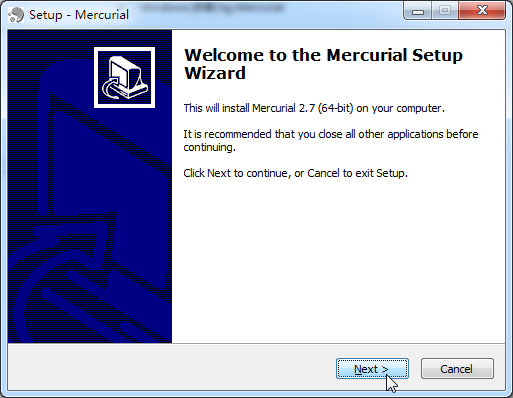
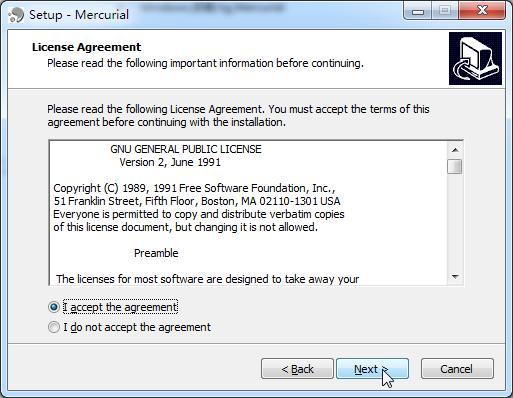
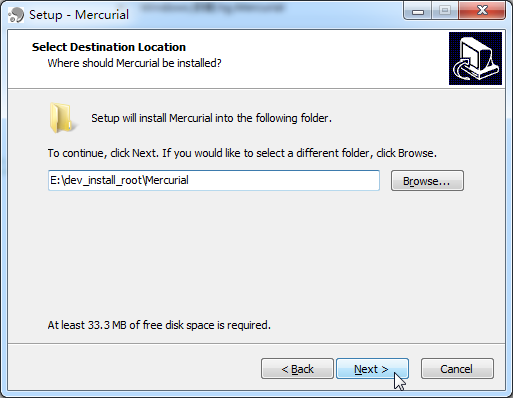
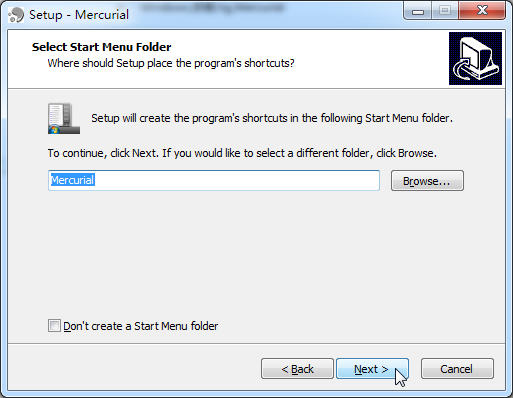
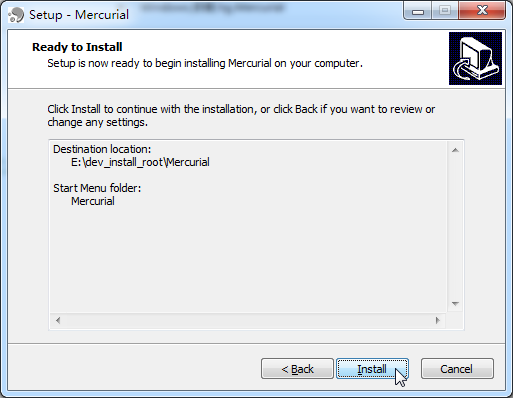
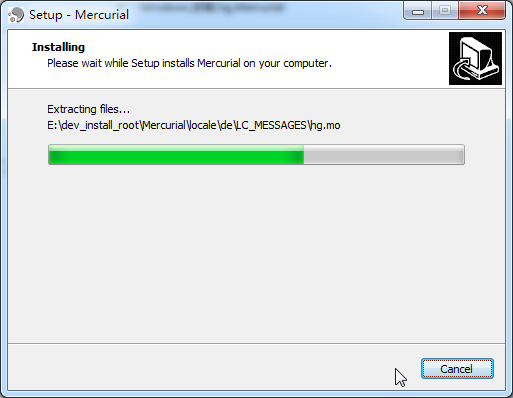
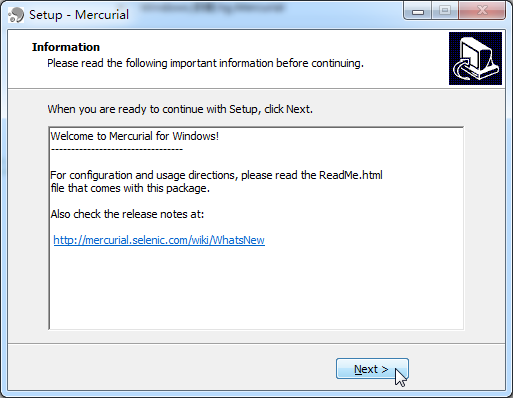
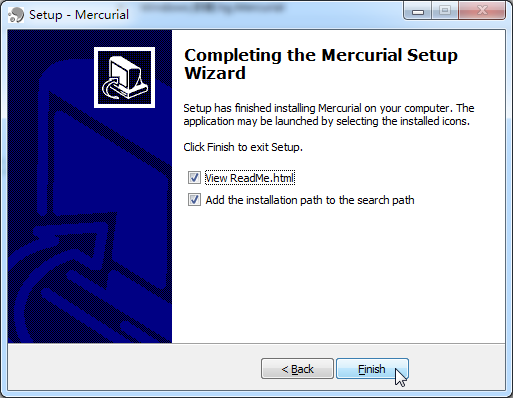
注意到其中,最后安装完毕,是选了把安装路径加上到PATH中的。
所以无需手动再去加入。
3.然后再去打开cmd,确认hg安装正常:
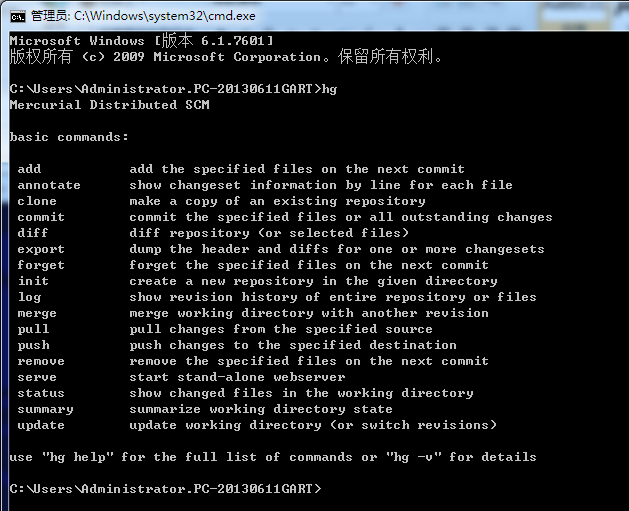
的确可以了。
【总结】
这下,window的cmd中,就可以运行hg了。
转载请注明:在路上 » 【记录】windows下安装Mercurial的hg